
01
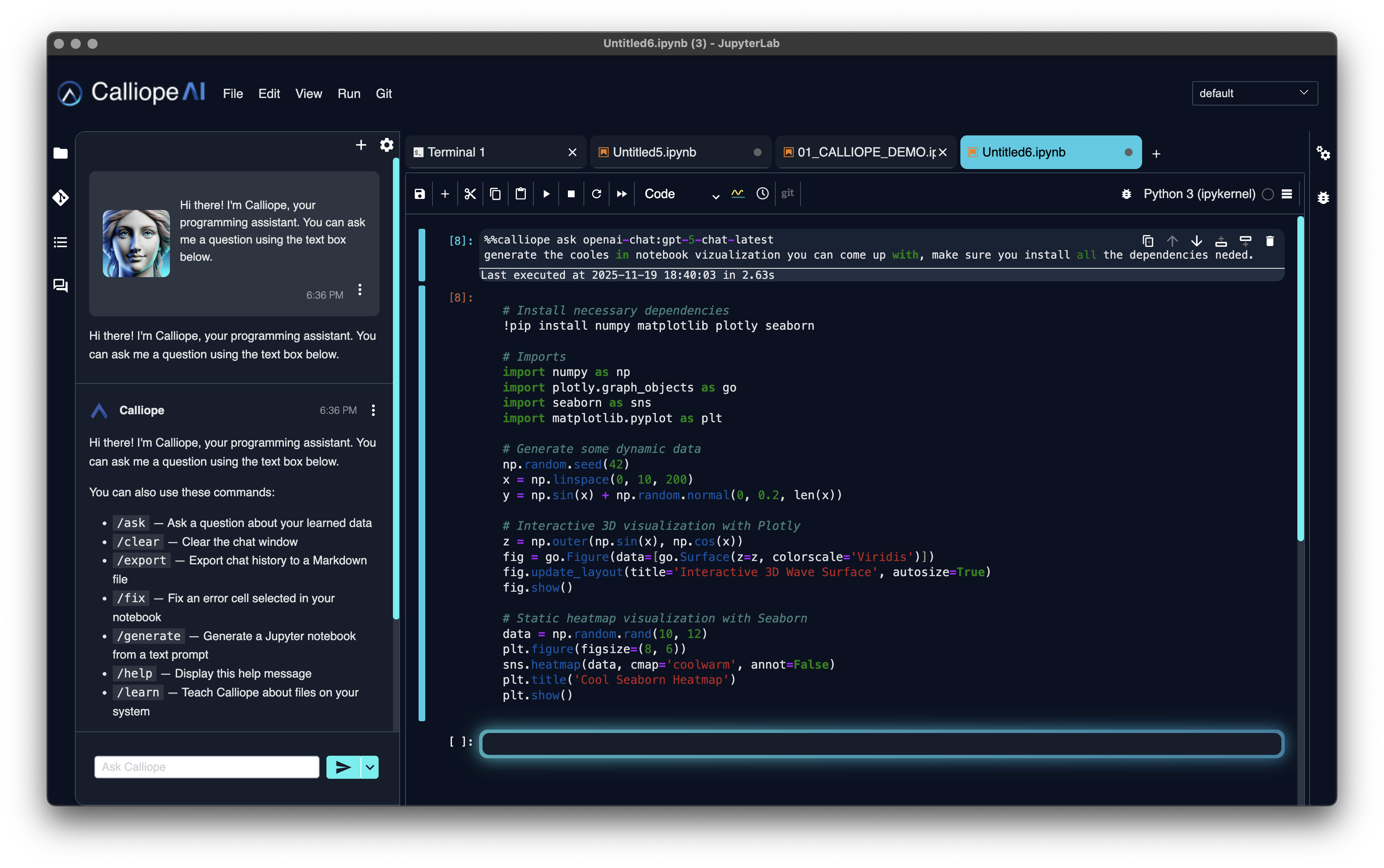
AI Chat Assistant
Use model assistance with notebook and code context for debugging, explanation, and revision without leaving the workflow.
AI LAB
JupyterLab rebuilt around AI-assisted analysis. Ask in plain English, inspect the generated query, and produce a chart inside the environment you choose. Connect approved hosted models or keep inference local when zero egress is required.
FREE DESKTOP DOWNLOAD
Download Calliope AI Lab for personal, professional, or commercial use without creating a Calliope AI account.
Bring credentials for approved hosted models or connect a local model. Notebook files and data processing stay on the machine; prompts and selected context are sent to the model endpoint you choose.
AI assistance sits inside the JupyterLab workflow, alongside visible code, queries, results, and the Python ecosystem.
Use model assistance with notebook and code context for debugging, explanation, and revision without leaving the workflow.
Describe the analysis and generate a runnable notebook starting point from the toolbar, File menu, or keyboard shortcut.
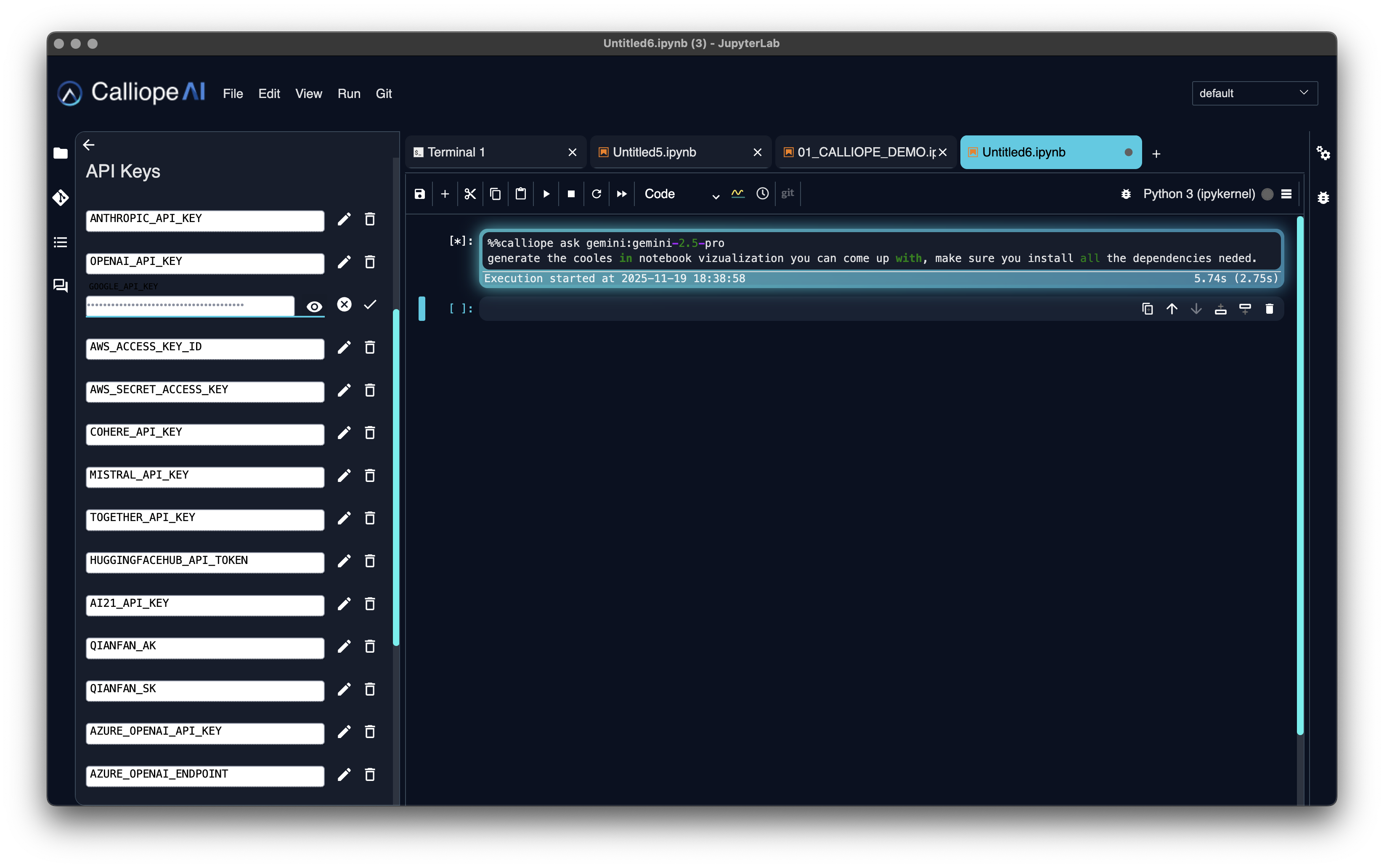
Connect approved hosted providers or a local model through Ollama. Bring your own provider credentials and select the endpoint appropriate to the task.
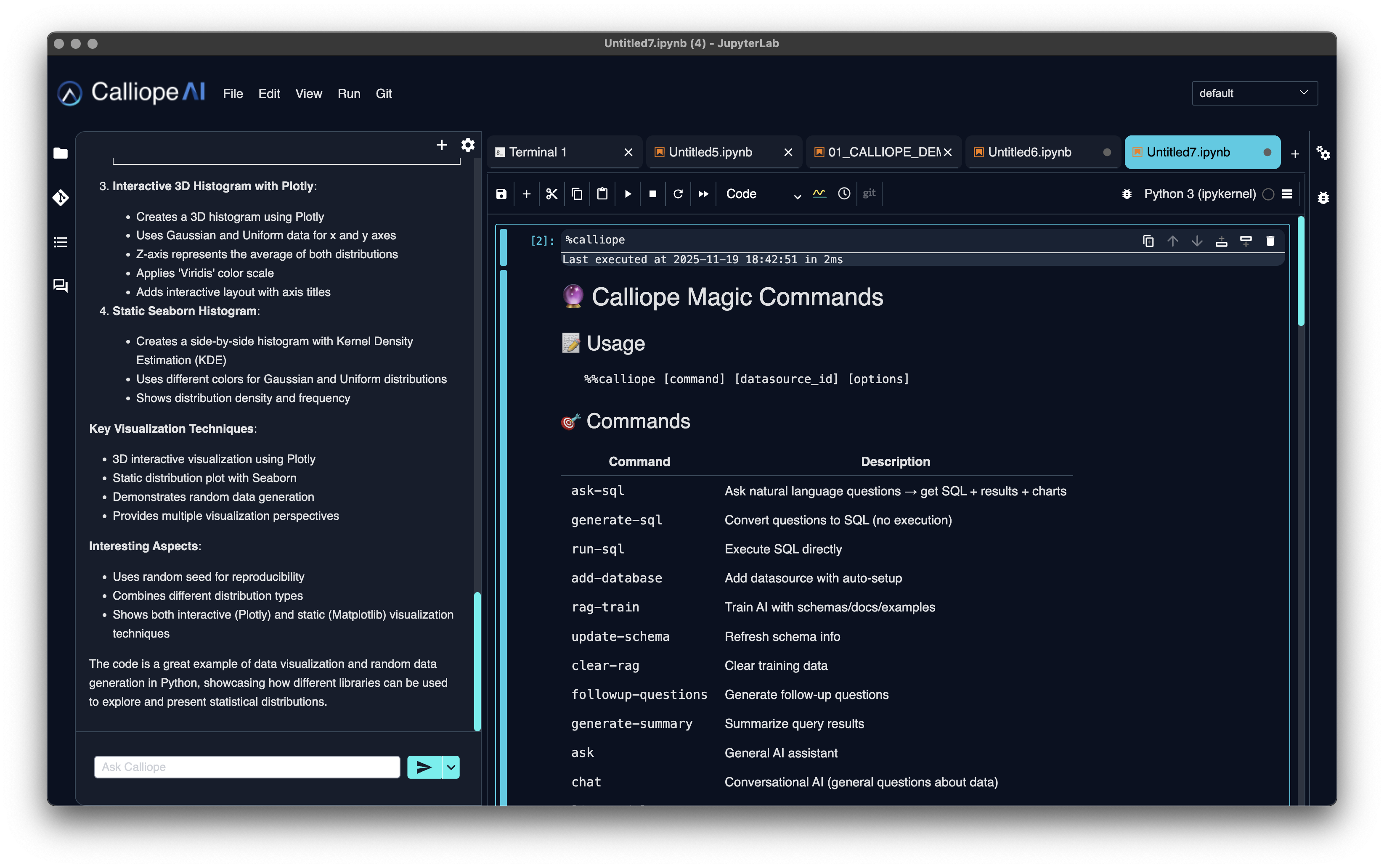
Connect databases from the sidebar and query them with AI assistance. Register curated datasets for reuse in approved Workbench tools.
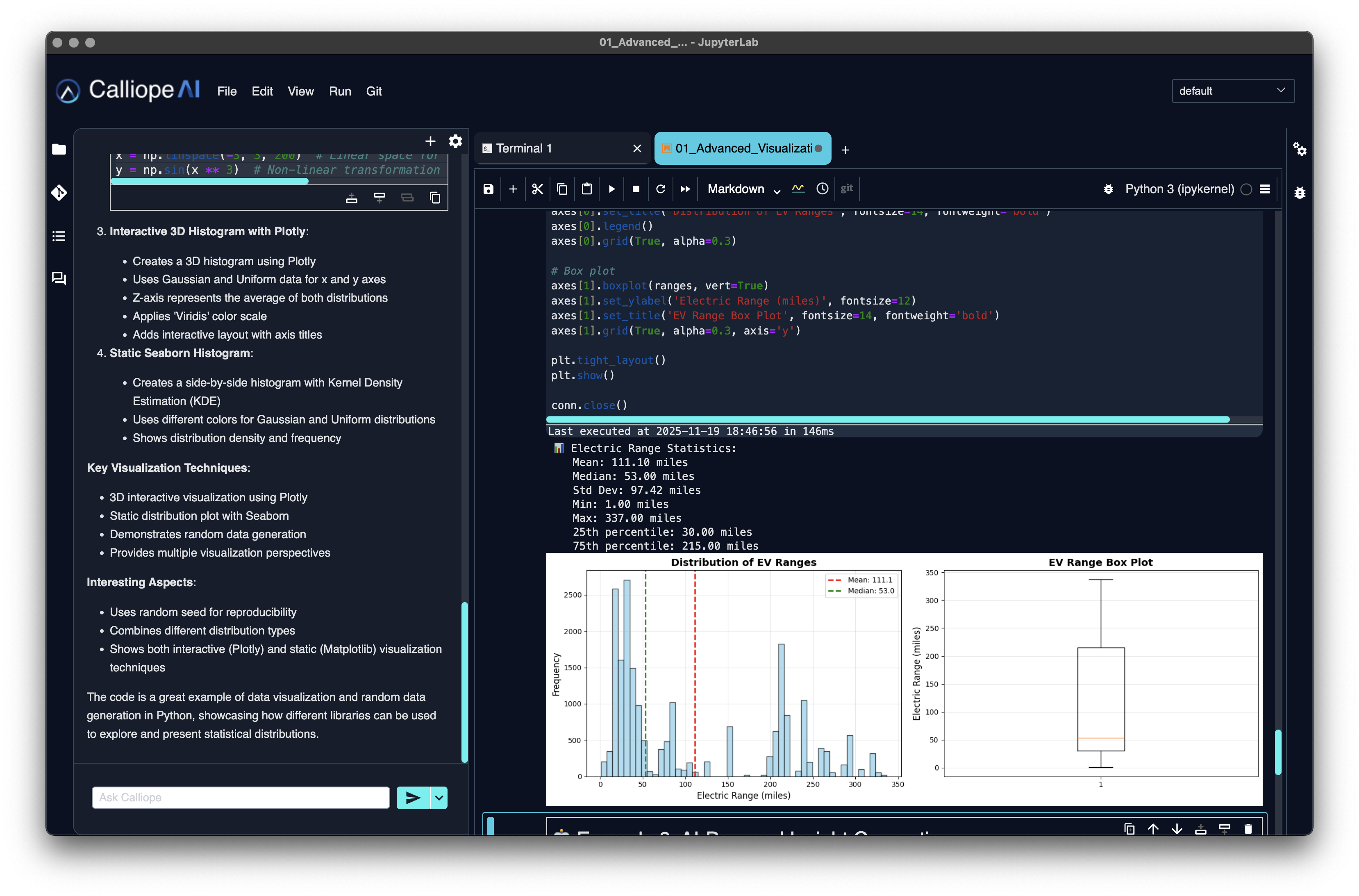
Clean, modern dark theme optimized for long coding sessions. Distraction-free design with streamlined UI that hides unnecessary complexity.
The desktop app keeps notebook execution and files on your machine. Model requests go directly to the hosted or local endpoint you configure. A BYOC Workbench keeps the team environment in your account under the same explicit model-destination rule.
Connect AI Lab to approved data sources and ask questions. The model generates a query and visualization while keeping the SQL visible for verification.
Calliope AI Lab gives teams a familiar Jupyter environment without forcing notebook execution into a third-party notebook service. The organization chooses where the environment runs and which model endpoints it may contact.
Run on a desktop or in your own cloud, connect the data sources you approve, and keep model traffic local when the workload requires zero egress.
JupyterLab 4, 300+ packages bundled, plus the 400,000+ on PyPI. Natural-language SQL and one-shot notebook generation built in.
Start free on desktop with your own model access. Move to Workbench for SSO, RBAC, central credential handling, and workspace access records.
Discuss your workloads, model access and deployment requirements.
See how it works →